Viewing admin portal operation log
Only admins with relevant permission can view the management actions that have been done by other admins from the admin portal.
Prerequisites
- Business or Enterprise plan
- Admin role with log management permission
Getting Started
- Sign in to the Matrx admin portal.
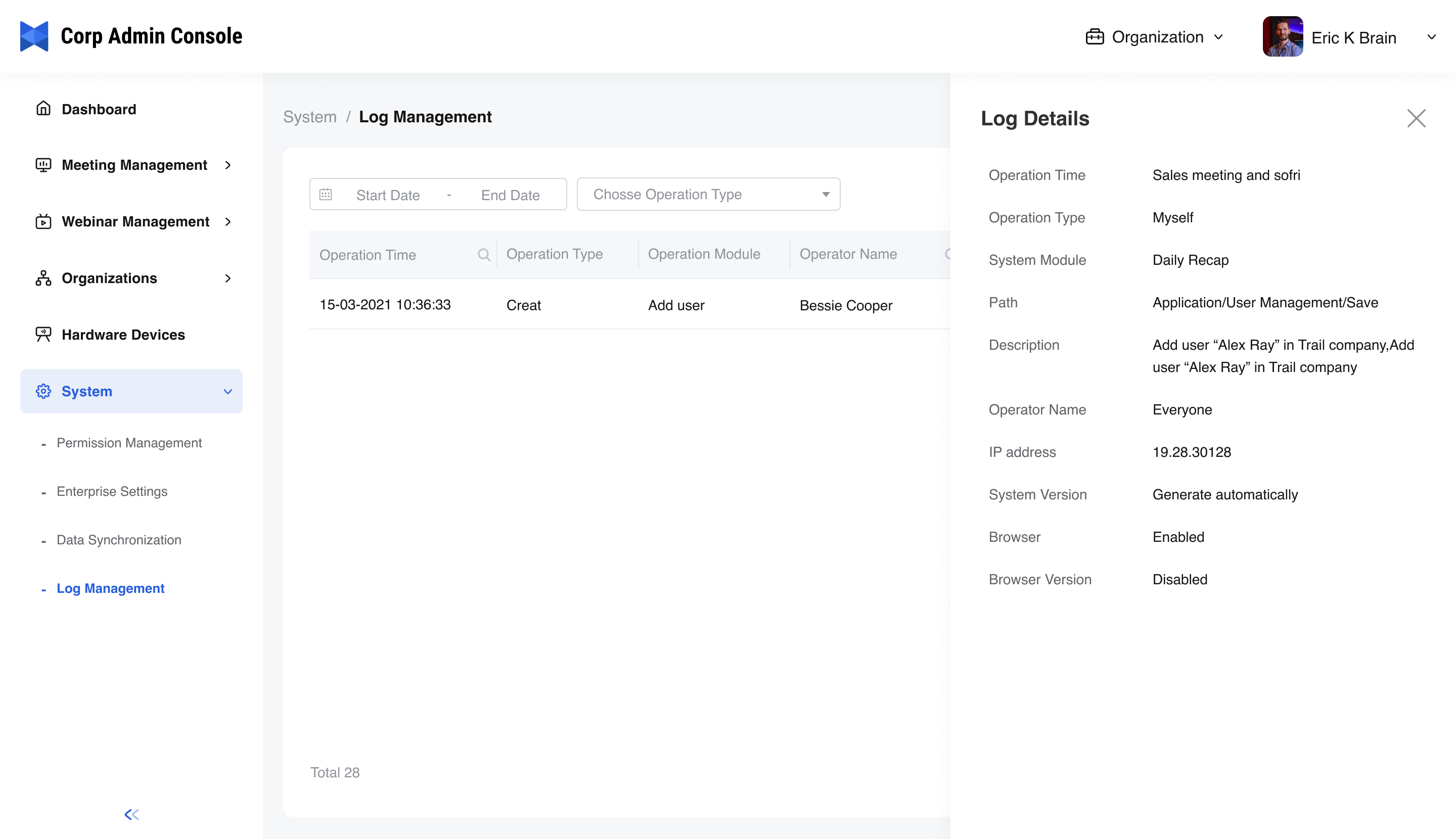
- In the navigation menu, unfold System Settingand click Log Management.
View Operation Log List
Admins can view what the operation is, when the operation is done, and done by which person. Admins can also filter the logs by time and type. Also, log export is supported.
View Operation Log Details
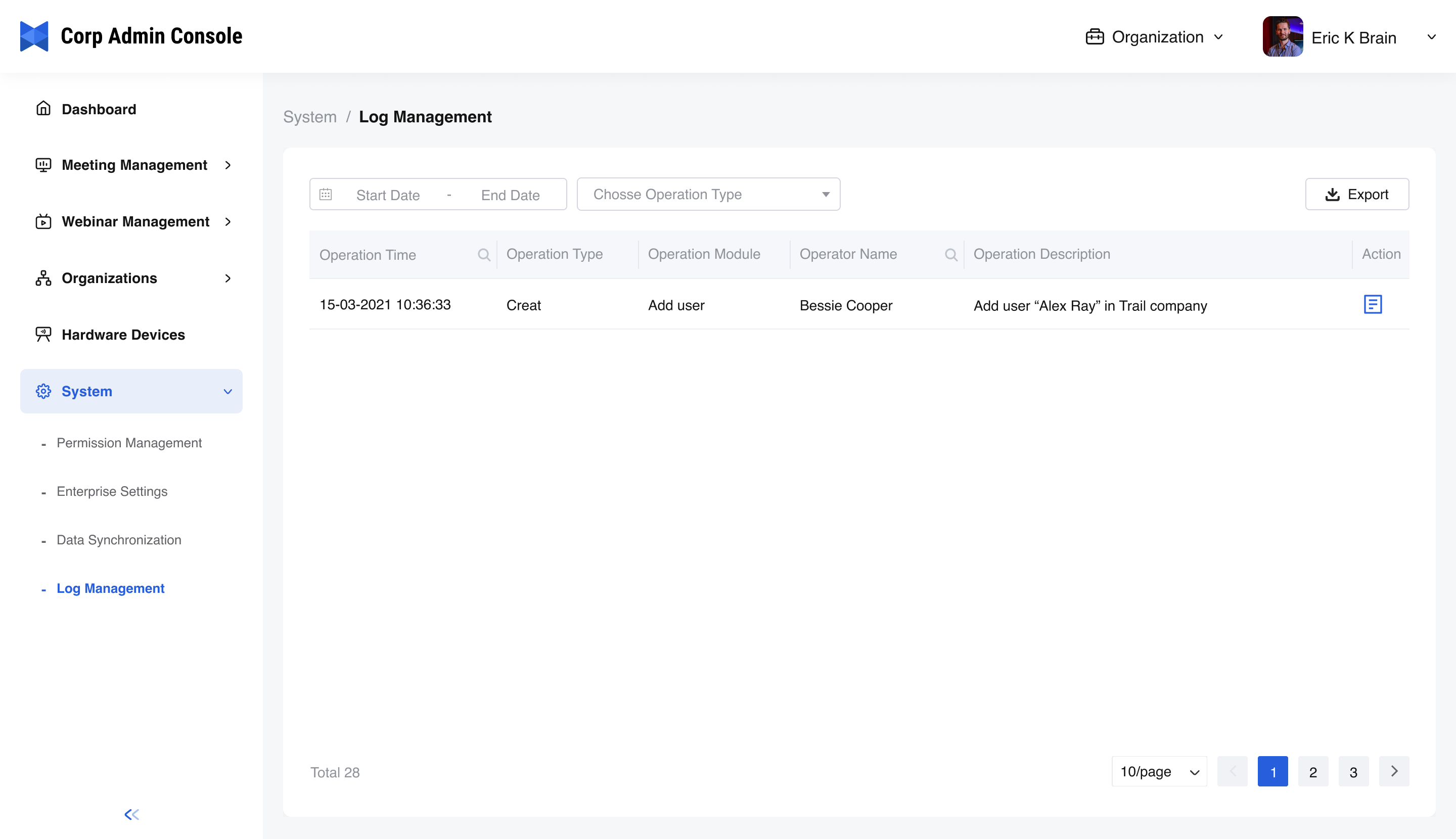
By clicking the Log Details button, in addition to what is shown on the main page, you can view more information about the log, including the operation path, the IP address used by the operator, the operating system version, and the browser version.